

Install SelectTranslate to unlock limitless bilingual reading
Install SelectTranslate to unlock limitless bilingual reading
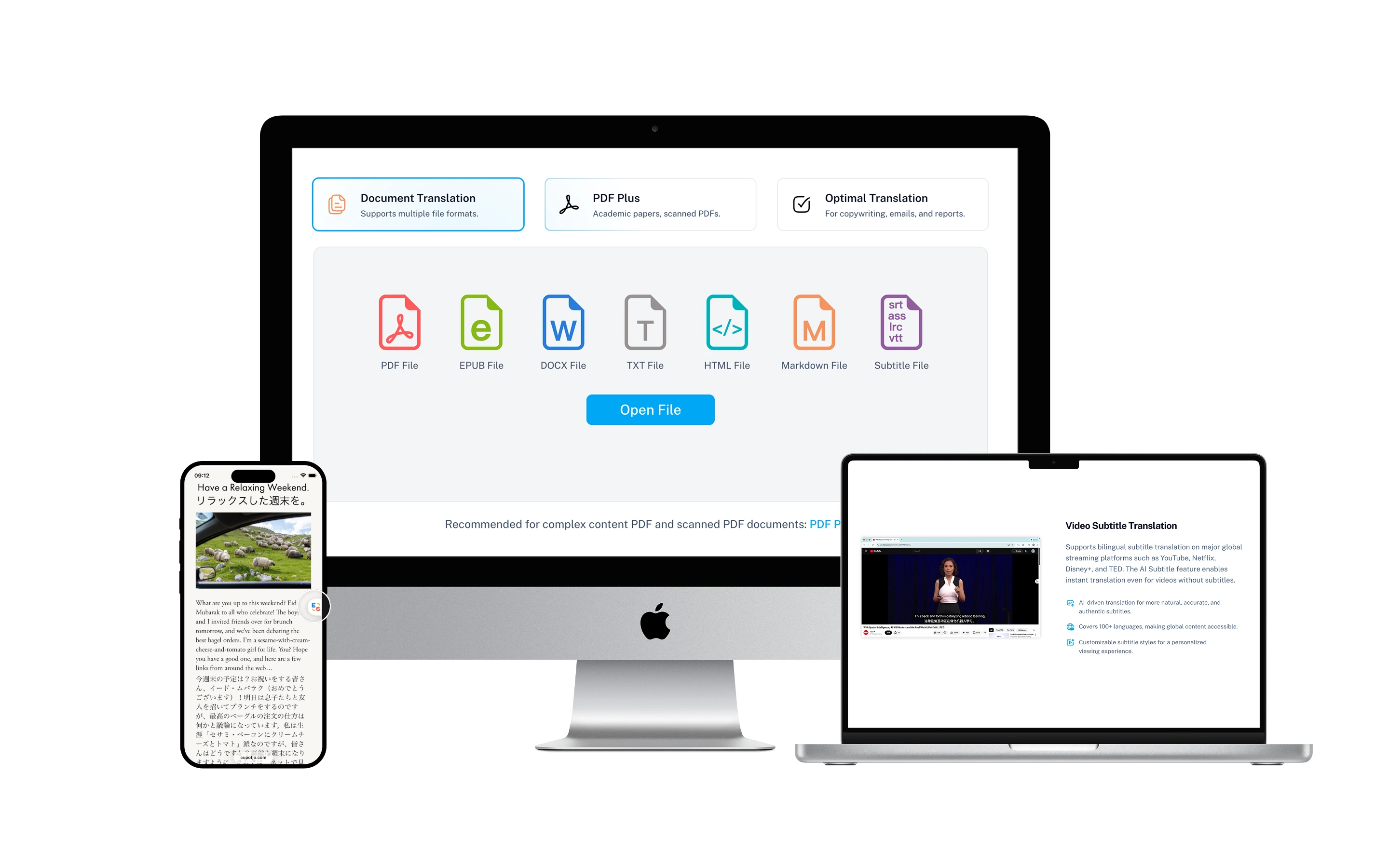
Built for High-Frequency Translation Scenarios
Frequently asked questions
Chrome, Edge, Safari, and Firefox are supported. For Chromium-based browsers such as Opera, Brave, and 360 Extreme Browser X, we recommend installing via the CRX package.
If you cannot access the extension store or store installation fails, you can install manually using the CRX package. If you want to try the latest development build, you can also install via the ZIP package.
After installation, please pin the extension to your browser toolbar first. Then click the extension icon to open the panel and enable webpage translation, video subtitle translation, hover translation, and other features as needed.
No sign-up or login is required just to install the extension. Some features related to membership benefits and quota management may prompt you to log in before use.
- Yes. You can use all of SelectTranslate’s core features for free.
- SelectTranslate offers several free translation models that you can use directly. For paid models, you can enable them by configuring your own API key. (Apply for and configure API keys)
- If managing your own translation-model API keys feels inconvenient, you can also subscribe to our Plus plan. Plus members can directly access advanced translation models such as DeepSeek, GPT, Gemini, Claude, Qwen, Grok, Seed, Kimi, and GLM.
We take data security seriously and implement appropriate safeguards to prevent unauthorized access, alteration, disclosure, or destruction of data. These measures include encryption and network security protections designed to help secure systems that store personal data. That said, because of the complexity of modern technology, no security measure can guarantee absolute security.
It supports common scenarios such as bilingual webpage translation, PDF document translation, video subtitle translation, and online meeting subtitle translation.
Extensions installed from an official store are usually updated automatically within about 24 hours after a new version is released. Manually installed versions (CRX/ZIP) need to be updated by downloading and reinstalling the latest package.
Yes. After downloading the CRX or ZIP package, go to chrome://extensions and follow the installation guide to complete a manual install.
First make sure the extension is enabled and pinned to the toolbar, then refresh the current page and try again. For video or meeting scenarios, make sure the platform’s native subtitles are turned on first, then enable subtitle translation from the extension panel.