
As global communication continues to grow, documents have become one of the most important ways people access knowledge, collaborate internationally, and exchange information.
Whether you are reading academic papers, studying overseas courses, analyzing business reports, or working with international partners, PDF, Word, and PowerPoint files are everywhere.
However, when dealing with documents written in another language, many users still face the same challenges:
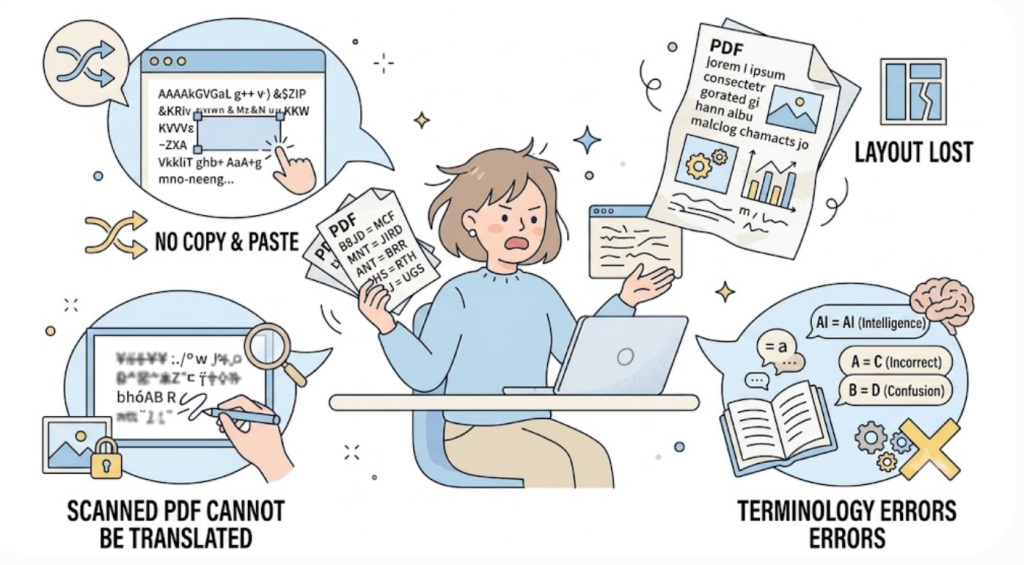
The translated file loses the original layout.
Complex PDF content is not accurately recognized.
Professional terms are translated incorrectly.
Scanned documents cannot be translated directly.
Users have to constantly switch between the original document and the translated version.
These problems make document translation more than just a language issue. They also affect reading efficiency, understanding, and productivity.

A truly useful AI document translation tool should not simply convert words from one language to another. It should help users understand global information naturally while preserving the original document structure and context.
This is the goal of SelectTranslate.
With its PDF Plus feature, SelectTranslate combines AI translation, advanced language models, and intelligent document analysis technology to provide a smoother and more efficient translation experience for PDF, Word, and PowerPoint documents.
Through bilingual comparison, synchronized page viewing, accurate extraction of complex elements, and scanned PDF translation, SelectTranslate helps users read and understand international content with fewer language barriers.
Why Traditional PDF, Word, and PowerPoint Translation Tools Are Not Enough
1. Translated Content Often Separates Users From the Original Context
Many traditional document translation tools create a completely new translated file.
Although the text is translated, users still need to switch back and forth between the original document and the translated version to understand the full meaning.
For simple documents, this may not be a major issue.
But for academic papers, technical manuals, research reports, and business documents, context matters.
Users need to understand not only what each sentence means, but also:
Where the paragraph appears in the document.
How concepts are connected.
How professional terms are used in context.
Without a connection between the original text and the translation, reading becomes slower and less efficient.
This is why bilingual document translation has become an important feature for modern AI translation tools.
2. Complex PDF Layouts Are Difficult for Traditional Translation Tools
PDF files are much more than plain text documents.
Professional PDFs often include:
- Multi-column layouts
- Tables
- Images
- Charts
- Technical diagrams
- Mathematical formulas
- Footnotes
- Industry-specific terminology
Many traditional translation tools focus only on extracting text.
As a result, users may experience problems such as:
- Incorrect text order
- Broken table structures
- Missing information from images
- Poor handling of formulas and symbols
- Damaged formatting
The result may technically be translated, but it is often difficult to use.
For researchers, engineers, students, and business professionals, a translation tool should do more than translate words — it should preserve the way information is organized.
3. Scanned PDFs Are Often Impossible to Translate Directly
Many important documents are not created as digital text files. Instead, they are scanned images saved as PDFs.
Examples include:
- Scanned academic papers
- Historical documents
- Industry reports
- Contracts
- Textbooks
Traditional PDF translation tools cannot directly understand the text inside images.
Users often have to:
First, run OCR recognition.
Then copy the extracted text.
Finally, translate the content separately.
This process is time-consuming and inefficient.
A modern AI PDF translation tool should be able to recognize scanned documents and translate them directly.
SelectTranslate PDF Plus: A Smarter Way to Translate Documents
SelectTranslate PDF Plus is designed to solve the real problems users face when translating PDF, Word, and PowerPoint documents.
Instead of focusing only on translation accuracy, SelectTranslate focuses on the entire reading experience.
The goal is simple:
Make translated documents feel as natural as reading the original content.
Bilingual Comparison: Read Original and Translation Together
SelectTranslate PDF Plus supports bilingual document translation, allowing users to view the original content and translated content side by side.
This makes it easier to:
- Understand the original meaning.
- Check translation accuracy.
- Learn professional expressions.
- Follow the document structure.
This feature is especially useful for:
- Academic research
- Technical documentation
- Business reports
- International learning materials
For example:
A developer reading an English API document can view the technical explanation together with the translation.
A student studying an international textbook can understand difficult concepts without leaving the original page.
A global business team can quickly review overseas market reports while keeping the original information structure.
Instead of interrupting the reading process, SelectTranslate makes translation part of the reading experience.
Synchronized Page Viewing: A Better Experience for Long Documents
Long documents often contain dozens or even hundreds of pages.
Finding the corresponding translated content can be frustrating when using traditional tools.
SelectTranslate PDF Plus provides synchronized page viewing, keeping the original document and translation aligned.
When users move through the document, they can quickly locate the matching translated section.
This is especially helpful for:
- Research papers
- White papers
- Business analysis reports
- Online course materials
Instead of searching between separate files, users can maintain a continuous reading experience.
Accurate Extraction of Complex Elements
Professional documents contain more than text.
SelectTranslate PDF Plus uses intelligent document analysis technology to better understand document structures, including:
- Multi-column layouts
- Tables
- Images with text
- Charts
- Professional terminology
- Complex document formats
This helps maintain the original logic and organization of the document.
Users no longer need to manually reorganize files before translation.
Simply upload the document and start reading.
Scanned PDF Translation: Making Image-Based Documents Accessible
SelectTranslate PDF Plus supports scanned PDF translation through OCR technology.
It can recognize text inside scanned images and combine it with AI translation capabilities.
This makes it easier to process:
- Scanned research papers
- Digitalized books
- Historical archives
- Business documents
- Educational materials
Users do not need separate OCR tools or complicated conversion steps.
The document can be translated directly, saving valuable time.
How SelectTranslate Helps Different Users
Academic Research: Access Global Knowledge Faster
Researchers and students often need to read large amounts of international literature.
However, language barriers can slow down:
- Literature reviews
- Research preparation
- Knowledge discovery
With SelectTranslate, users can read academic documents with bilingual support and better understand global research.
Whether it is medicine, artificial intelligence, engineering, or social sciences, SelectTranslate helps users explore worldwide knowledge more efficiently.
Business Work: Handle International Documents More Efficiently
Companies working globally often need to process:
- International contracts
- Product documents
- Market research reports
- Business presentations
- Technical materials
Traditional workflows usually require manual copying, translation, and formatting.
SelectTranslate helps employees understand international documents directly in their original format, improving cross-language communication and productivity.
Learning and Education: Remove Language Barriers
Many of the world’s best educational resources are created in different languages.
Students often need to read:
- English textbooks
- Course PDFs
- Training materials
- Presentation slides
SelectTranslate allows learners to focus on understanding knowledge instead of struggling with language barriers.
Why SelectTranslate Delivers a Better AI Document Translation Experience
A great document translation tool should not only provide translated text.
It should help users:
Understand information faster.
Maintain the original context.
Read international content naturally.
SelectTranslate combines AI translation technology with intelligent document processing to provide:
✅ PDF, Word, and PowerPoint translation support
✅ Bilingual document comparison
✅ Synchronized page viewing
✅ Accurate extraction of complex elements
✅ Scanned PDF translation
✅ AI-powered translation capabilities
With SelectTranslate, document translation becomes more than a simple language conversion process.
It becomes a smarter way to access global information.
In today’s connected world, language should not limit learning, research, or collaboration.
SelectTranslate helps users break language barriers and explore knowledge from around the world more freely.
FAQ: SelectTranslate PDF, Word, and PowerPoint Translation
1. Does SelectTranslate support PDF, Word, and PowerPoint translation?
Yes. SelectTranslate supports multiple document translation scenarios, including PDF, Word, and PowerPoint files. PDF Plus provides advanced PDF analysis and translation capabilities.
2. Can SelectTranslate translate scanned PDF files?
Yes. SelectTranslate PDF Plus uses OCR technology to recognize text from scanned PDFs and translate the content with AI.
3. What are the benefits of bilingual document translation?
Bilingual comparison allows users to view original text and translation together, making it easier to understand context and verify important information.
4. Who can benefit from SelectTranslate?
SelectTranslate is useful for:
- Researchers and students
- Developers and engineers
- Business professionals
- International teams
- Anyone who needs to read foreign-language documents
5. Why does SelectTranslate focus on a more immersive translation experience?
Because SelectTranslate focuses not only on translation results, but also on the complete reading process. With bilingual comparison, synchronized pages, and intelligent document analysis, users can understand global information more naturally and efficiently.