
For developers, English is often part of the job.
Whether you’re reading GitHub documentation, exploring a new API, troubleshooting an issue on Stack Overflow, browsing technical discussions on Reddit, or taking an AI course from an international platform, some of the most useful technical information is published in English first.
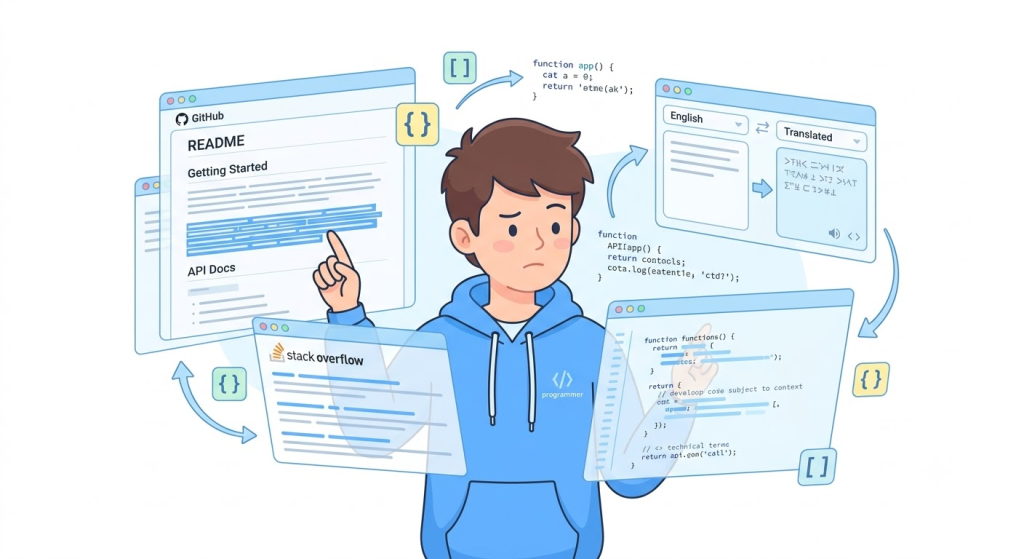
The challenge isn’t always understanding the code. It’s understanding everything around the code.
Technical documentation is filled with specialized terminology, API descriptions, configuration instructions, error messages, and long explanations that can slow down developers who aren’t fully comfortable reading English.
This is where a good translation tool can make a real difference.
If you’re looking for a free translation extension that fits naturally into your development workflow, SelectTranslate is designed to help. Its bilingual webpage translation feature lets developers read English webpages with the original text and translated text displayed together, making technical documentation and AI learning materials much easier to understand.
Why Developers Need a Better Web Translation Tool
Reading technical English is different from reading everyday content.
A typical developer webpage might contain API parameters, code snippets, technical terminology, command-line instructions, configuration files, version notes, and detailed explanations—all on the same page.
Copying every paragraph into a separate translation website quickly becomes frustrating. You have to switch between tabs, copy and paste content, return to the documentation, and then repeat the process for the next section.
More importantly, translation without context can make technical terms harder to understand.
Words such as “model,” “token,” “runtime,” “pipeline,” “deployment,” and “inference” can have very specific meanings depending on the technology you’re working with. Developers often need to see the original English wording alongside the translation to fully understand the context.
That’s why a translation tool for developers should do more than simply translate text. It should make translation part of the reading experience.
SelectTranslate: A Free Translation Extension for Developers
SelectTranslate is a browser translation extension designed to make multilingual web content easier to read.
Its bilingual webpage translation feature allows developers to translate English webpages directly in the browser while keeping the original content visible. Instead of copying paragraphs into another translation service, you can read the original text and its translation together on the same webpage.
This workflow is particularly useful for developers working with technical content.
You can quickly understand the translated explanation while checking the original English terminology whenever you need more context. This makes it easier to learn new technologies without constantly switching between your browser and a separate translation website.
For developers looking for a free translation extension, SelectTranslate can fit naturally into everyday activities such as reading documentation, learning AI technologies, researching technical problems, and exploring open-source projects.
Scenario 1: Reading GitHub and Open-Source Documentation
GitHub is one of the most important sources of technical knowledge for developers.
README files, project documentation, Issues, Wikis, setup guides, and technical discussions are often written primarily in English. This is especially common with open-source AI projects, where documentation and updates may appear in English long before detailed translations become available.
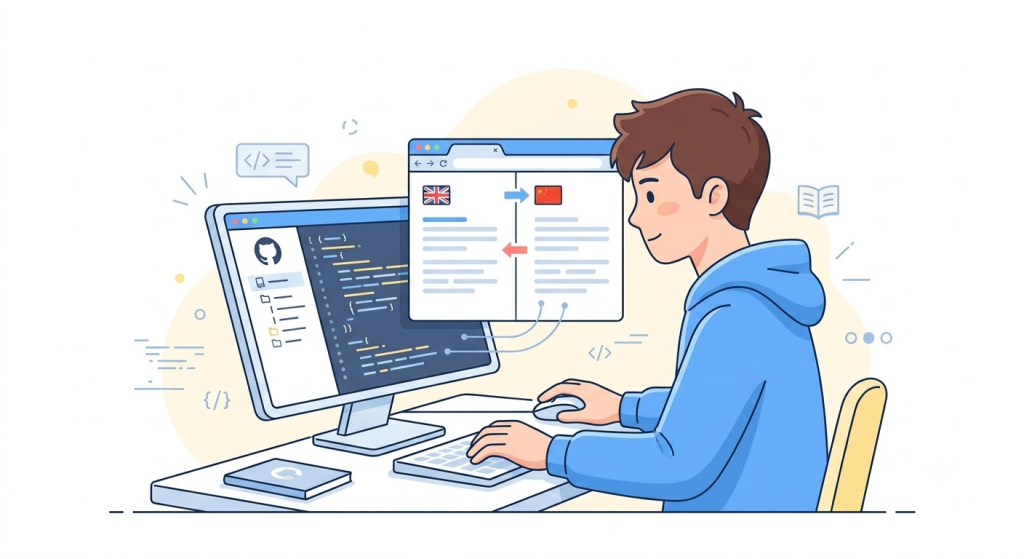
SelectTranslate’s bilingual webpage translation can help developers read these resources directly in their browser.
For example, when you’re evaluating a new Python library or AI SDK, you can open the project’s official documentation and translate the explanatory sections while keeping the original English available for reference.
This is especially useful when documentation contains unfamiliar terminology. Instead of translating everything separately, you can understand the overall meaning first and then refer back to the original wording when implementing the code.
For developers who spend a significant amount of time on GitHub, this makes SelectTranslate a practical translation tool for everyday development work.
Scenario 2: Understanding API Documentation and SDK Guides
API documentation is another area where developers frequently encounter technical English.
Whether you’re working with an AI API, cloud service, database, payment platform, or third-party SDK, official documentation usually contains much more than a simple description.
You need to understand authentication requirements, parameters, request formats, response objects, limitations, error messages, configuration options, and usage examples.
When you’re integrating a new API under time pressure, struggling with the documentation can slow down development significantly.
With SelectTranslate’s bilingual webpage translation, developers can read translated explanations directly within the API documentation while keeping the original English terminology visible.
This makes it easier to understand both the meaning of the documentation and the exact technical terms used by the API provider.
For developers who regularly work with international APIs and SDKs, this can remove a significant amount of unnecessary friction from the development workflow.
Scenario 3: Learning AI Courses and Tutorials in English
AI is evolving quickly, and some of the most useful learning resources are published internationally.
Developers interested in Large Language Models, AI Agents, RAG, Generative AI, Machine Learning, AI Coding, multimodal models, and AI application development often encounter English-first courses, tutorials, documentation, and technical blogs.
For many developers, the biggest obstacle isn’t the technology itself. It’s the amount of English they need to process before they can focus on the technical concepts.
SelectTranslate can help reduce that language barrier.
When you’re reading an English AI tutorial or course webpage, bilingual translation lets you quickly understand the content without leaving the page. You can read the translated explanation first and then refer to the original English terminology when you need a more precise understanding.
This is particularly useful when learning concepts such as prompt engineering, RAG architecture, AI agents, model inference, embeddings, vector databases, and API integration.
Instead of spending your study time constantly translating individual sentences, you can spend more time actually learning the technology.
Scenario 4: Reading Stack Overflow, Reddit, and Developer Communities
Not every technical problem has an answer in your native language.
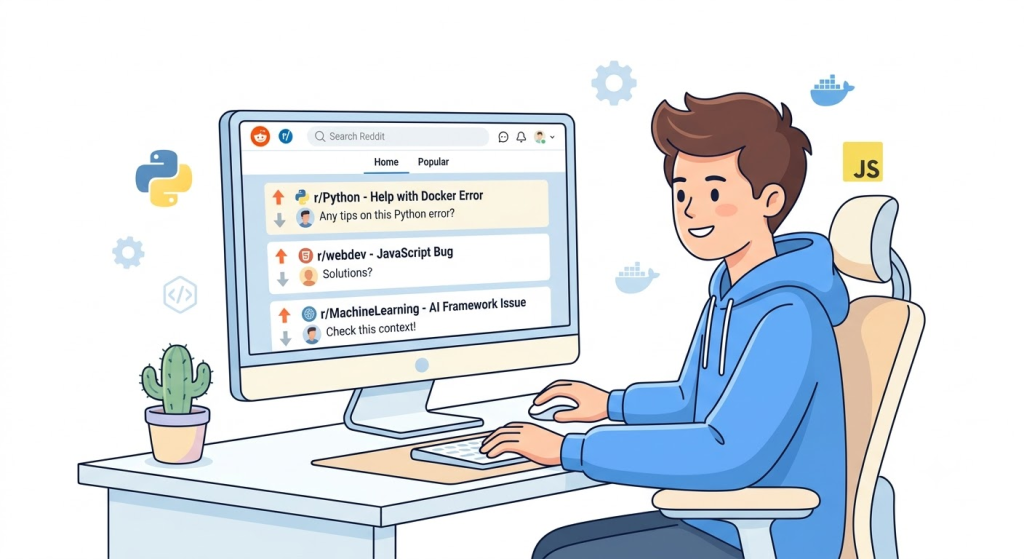
Developers often turn to Stack Overflow, Reddit, GitHub Issues, and other international communities when they encounter a difficult error or an unusual implementation problem.
These discussions can be extremely valuable because they contain real-world experiences from developers who have already faced similar problems.
However, community discussions can also be harder to read than formal documentation. They often contain abbreviations, informal language, technical shorthand, and context-dependent explanations.
SelectTranslate’s bilingual webpage translation can make these discussions easier to follow while keeping the original English available for reference.
This allows developers to quickly understand the problem, compare different solutions, and learn from international developer communities without being limited by language.
Why Bilingual Web Translation Works So Well for Developers
For developers, translation isn’t simply about turning English into another language.
The real goal is to understand technical information without interrupting the workflow.
That’s why bilingual webpage translation can be more useful than a traditional copy-and-paste translation process.
When reading a technical article, you can scan the translated version to quickly understand the overall idea, then check the original English when you encounter an important technical term.
When reading API documentation, you can understand the explanation while keeping parameter names and official terminology in their original context.
When studying AI courses, you can use the translation to reduce the language barrier while gradually becoming familiar with the English vocabulary used throughout the field.
This makes translation part of the browsing experience rather than a separate task.
Why SelectTranslate Can Be a Must-Have Translation Tool for Developers
A useful developer translation tool should reduce friction rather than add another step to the workflow.
That’s where SelectTranslate fits.
Its webpage bilingual translation feature helps developers work with English technical documentation, open-source projects, AI learning resources, developer communities, and technical articles directly from the browser.
Instead of thinking of SelectTranslate simply as a tool that “translates webpages,” it’s more useful to think of it as a way to make the global developer ecosystem easier to access.
Reading GitHub documentation? SelectTranslate can help you understand the project.
Working with an unfamiliar API? Bilingual translation can make the documentation easier to follow.
Taking an AI course in English? SelectTranslate can reduce the language barrier.
Searching Stack Overflow or Reddit for a solution? You can translate the discussion while keeping the original context.
For these reasons, SelectTranslate can be a practical free translation extension and a useful translation tool for developers who regularly work with English technical content.
Make English Less of a Barrier to Learning and Development
For modern developers, English remains an important technical skill. But you shouldn’t have to spend most of your time translating sentences just to understand a new technology.
A better approach is to integrate translation into the way you already work.
Whether you’re reading GitHub projects, API documentation, Stack Overflow discussions, Reddit threads, technical blogs, or English-language AI courses, SelectTranslate’s bilingual webpage translation can help you understand the content faster while keeping the original technical context within reach.
If you’re looking for a free translation extension or a practical translation tool for developers, SelectTranslate is worth adding to your browser toolkit.
Let the translation happen alongside your reading—so you can spend less time fighting with language and more time building, learning, and solving problems.
FAQ: SelectTranslate for Developers
Is SelectTranslate useful for developers?
Yes. SelectTranslate is particularly useful for developers who regularly read English GitHub documentation, API documentation, technical blogs, developer communities, and AI learning resources.
Is SelectTranslate a free translation extension?
SelectTranslate provides free translation capabilities and can be used as a browser-based translation extension for reading multilingual web content.
Can I use SelectTranslate to learn AI in English?
Yes. SelectTranslate can help you read English AI courses, tutorials, technical articles, and documentation with bilingual webpage translation, making it easier to understand concepts while staying familiar with the original technical terminology.
Why is bilingual webpage translation useful for developers?
Technical content depends heavily on context. Bilingual translation lets developers compare the translated meaning with the original English wording, which is especially helpful for API documentation, technical terminology, error explanations, and AI concepts.
What developer problems can SelectTranslate help solve?
SelectTranslate can help reduce the friction caused by slow English reading, unfamiliar technical terminology, frequent browser switching, and difficulty understanding English-first documentation, AI courses, and international developer communities.