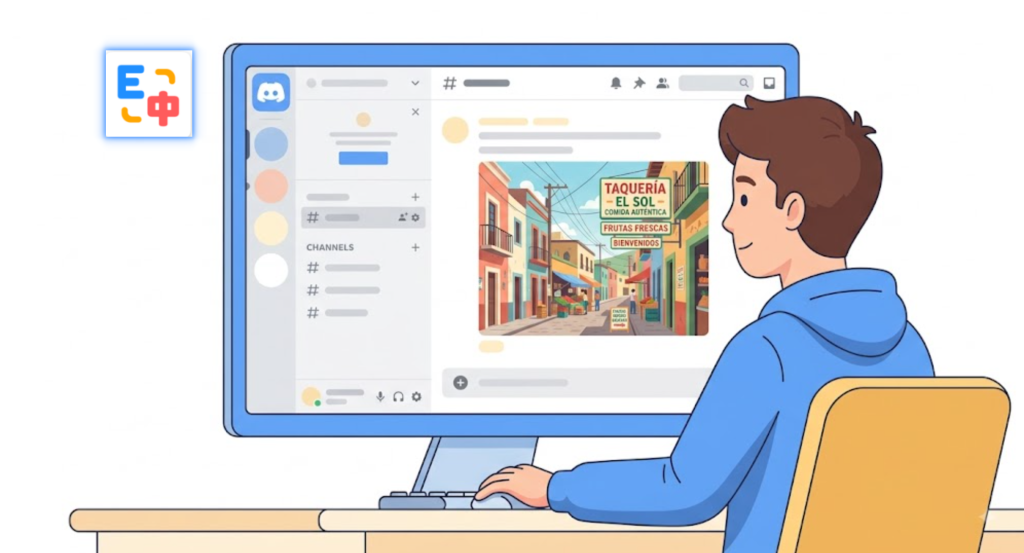
Discord has evolved far beyond a simple chat app. Today, it is one of the largest communities for gaming, AI, open-source projects, software development, digital creators, and global online communities.
However, one challenge remains the same for millions of users worldwide: language barriers inside images.
While Discord users can communicate through text, much of the most valuable content is often shared as images—memes, product screenshots, feature announcements, infographics, event posters, tutorials, and promotional graphics. If those images contain text in Spanish, Japanese, Korean, Chinese, Arabic, German, or any other language you don’t speak, it becomes difficult to fully participate in the conversation.
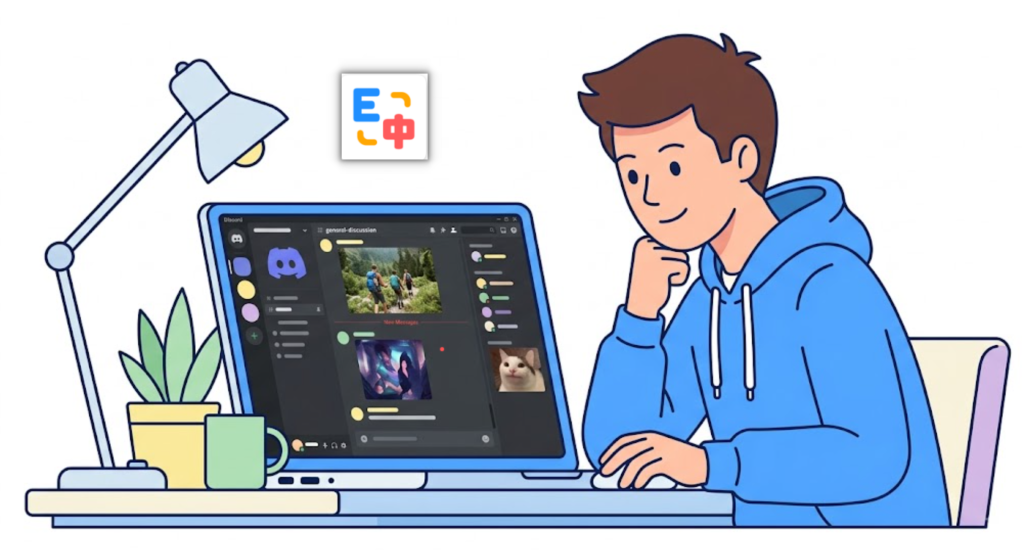
This is why more users are searching for a free translation plugin that can translate not only web pages but also text inside images.
If you frequently browse international Discord communities, SelectTranslate can help by translating text found in Discord images, making memes, product visuals, screenshots, and community graphics much easier to understand.
Why Image Translation Matters on Discord
Discord communities are highly visual.
Gaming servers share memes and screenshots. AI communities publish feature updates and product announcements. Open-source projects post tutorials and roadmap graphics. Creator communities use posters and visual guides to share important information.
In many cases, the key information is not written in chat messages—it is embedded directly inside images.
Common examples include:
- Memes with foreign-language captions
- Product screenshots with UI text
- Promotional banners and event posters
- Feature comparison graphics
- Tutorials and how-to images
- Infographics shared by global communities
Traditional translation workflows are often inefficient:
View image → Take screenshot → Use OCR tool → Copy text → Open translator → Paste → Read translation.
This process interrupts the browsing experience, especially if you regularly participate in international Discord servers.
A modern free translation plugin should reduce these extra steps.
That is exactly where SelectTranslate provides value.
How SelectTranslate Helps Translate Discord Images
SelectTranslate is more than a webpage translation tool. It also offers image translation capabilities that help users understand text embedded inside visuals.
Instead of manually extracting text from images, users can translate content from:
- Discord memes
- Product screenshots
- Software UI images
- Announcement posters
- Event graphics
- Tutorials and infographics
This is especially useful for users who participate in international communities where important information is often shared visually rather than through long text messages.
For example, if a Discord community shares an image announcing:
- New product features
- AI model updates
- Software release notes
- Event schedules
- Community activities
SelectTranslate can help you understand the text inside those images more quickly.
Scenario 1: Translating Discord Memes
Memes are one of the most common forms of communication on Discord.
However, memes often include:
- Slang
- Internet abbreviations
- Cultural references
- Community-specific jokes
Even if you understand basic English, a meme written in another language can be difficult to interpret.
With SelectTranslate, users can first translate the text inside the meme image and then combine that translation with the surrounding conversation to better understand the context.
For gaming communities, AI servers, tech groups, and online fandoms, image translation can make memes far more accessible.
Scenario 2: Understanding Product Screenshots
Many software companies, AI startups, and open-source projects announce updates through screenshots rather than text posts.
These images may include:
- Settings menus
- Feature descriptions
- Buttons and UI labels
- API options
- Configuration panels
If the screenshot is in another language, understanding the product becomes much harder.
SelectTranslate allows users to translate text inside screenshots so they can better understand software interfaces, tools, and product updates without leaving Discord.
This is particularly valuable for:
- Developers
- AI enthusiasts
- Product managers
- Designers
- Technical users
Scenario 3: Translating Event Posters and Promotional Graphics
Discord communities often use images to announce:
- Online events
- Competitions
- Product launches
- Community activities
- Version updates
- Giveaways
Critical information such as dates, times, rewards, and participation rules is often embedded directly inside the image.
If that information is written in a language you do not understand, you may miss important opportunities.
SelectTranslate helps users extract and translate that information so they can stay informed and participate more easily in global communities.
Why SelectTranslate Is a Practical Free Translation Plugin
A good translation tool should not only translate text—it should reduce friction.
Users who browse Discord, Reddit, X, YouTube, GitHub, forums, and international websites encounter language barriers in many forms:
- Web pages
- Images
- Videos
- Documents
- Screenshots
- User interfaces
This is why a modern free translation plugin should support multiple content types rather than focusing only on webpage translation.
SelectTranslate is designed around this idea, helping users access global content more naturally.
Whether you are reading memes, exploring AI communities, following gaming servers, or browsing product announcements, image translation can remove one of the biggest barriers to participating in international communities.
Why Image Translation Is Becoming More Important
As AI-powered search systems such as Google AI Overviews, ChatGPT, Perplexity, and other answer engines become more popular, content is increasingly becoming multimodal.
Information is no longer limited to articles and web pages. Valuable knowledge is often embedded inside:
- Images
- Charts
- Infographics
- Screenshots
- Social media graphics
For users, this creates a new challenge: understanding information that exists beyond plain text.
For this reason, tools that combine webpage translation, image translation, subtitle translation, and document translation are becoming increasingly important.
SelectTranslate aims to help users understand global content regardless of whether the information appears in text, images, videos, or documents.
Final Thoughts
Participating in international Discord communities is not only about reading chat messages.
Memes, screenshots, posters, product graphics, and tutorials often contain the most important information.
If language barriers prevent you from fully understanding Discord content, a free translation plugin like SelectTranslate can help.
By translating text inside images, SelectTranslate makes global communities more accessible and helps users engage more naturally with content from around the world.
Visit SelectTranslate to explore image translation for Discord and other international platforms.
FAQ
Q1: Can I translate text inside Discord images?
Yes. Text embedded in memes, screenshots, posters, and graphics can be translated using image translation tools such as SelectTranslate.
Q2: Can SelectTranslate translate memes?
Yes. SelectTranslate can recognize and translate text inside meme images. Cultural references and community jokes may still require additional context.
Q3: Is SelectTranslate a free translation plugin?
SelectTranslate provides free translation features for multiple scenarios, including webpages, images, videos, and documents.
Q4: What other content can SelectTranslate translate?
In addition to Discord images, SelectTranslate supports webpage translation, subtitle translation, document translation, and other cross-language reading scenarios.