
Whether you’re reading research papers, technical documentation, eBooks, product manuals, or multilingual subtitles, language shouldn’t slow you down.
For many people, translating documents still means copying text into an online translator, losing formatting along the way, or struggling with scanned PDFs that can’t even be copied. As more knowledge, documentation, and learning resources move online, there’s a growing need for a smarter and more efficient way to translate documents.
SelectTranslate is a free AI-powered document translation plugin designed to make multilingual reading effortless. From free PDF document translation to EPUB eBooks, Markdown files, HTML documents, and subtitle files, it helps you understand content from around the world without disrupting your workflow.
One Translation Tool for Multiple Document Formats
Not all documents come in the same format.
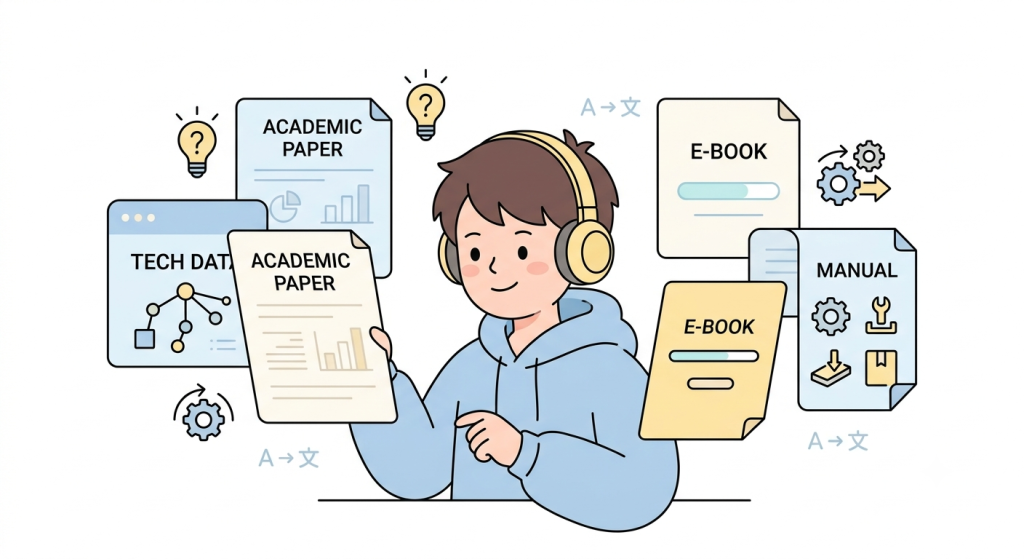
Researchers often work with PDF papers. Developers spend their time reading HTML and Markdown documentation. Students download EPUB eBooks. Video creators and language learners rely on subtitle files.
Instead of switching between different translation tools, SelectTranslate supports a wide range of commonly used formats in one place, including:
- PDF (.pdf)
- EPUB (.epub)
- DOCX (.docx)
- TXT (.txt)
- HTML (.html)
- Markdown (.md)
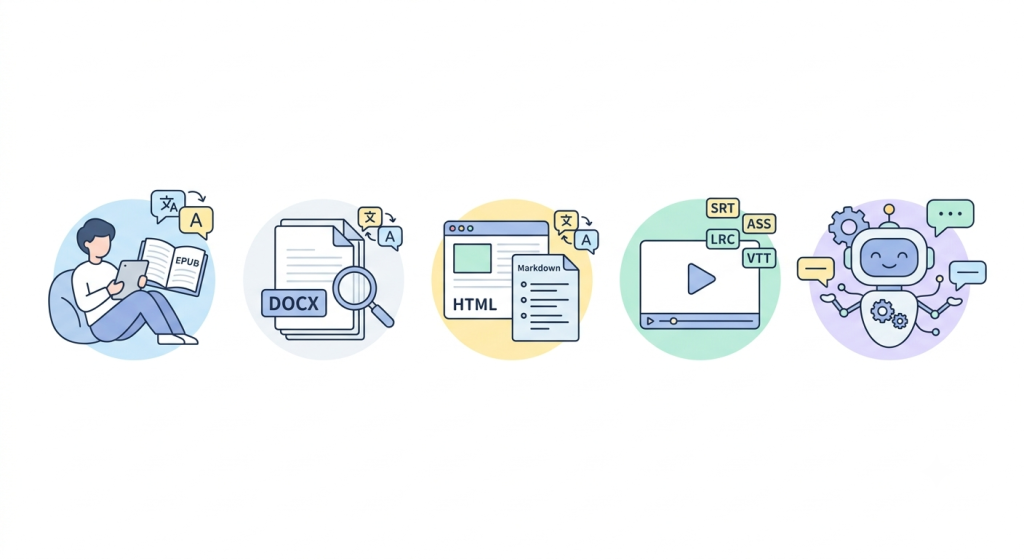
- Subtitle files (.srt, .ass, .lrc, .vtt)
No matter what type of document you’re reading, SelectTranslate makes it easy to translate and understand the content with AI.
Free PDF Document Translation Without the Usual Frustration
PDF is one of the most widely used document formats, but it’s also one of the most difficult to translate well.
Research papers, business reports, user manuals, and technical documents often contain complex layouts, tables, images, headings, and specialized terminology. Traditional translation tools usually require copying text manually, and the results often lose the original structure.
SelectTranslate offers free PDF document translation that lets you upload a PDF and translate it directly using advanced AI models. Instead of translating isolated sentences, it understands the document as a whole, producing translations that are more natural and easier to read.
Whether you’re reviewing academic papers, reading international reports, or exploring product documentation, translating PDFs becomes much faster and more convenient.
Translate Scanned PDFs with AI OCR
One of the most common problems users encounter is opening a PDF that looks like text but can’t actually be copied.
That’s because many PDFs are scanned images rather than searchable documents.
SelectTranslate includes OCR (Optical Character Recognition) technology to detect and extract text from image-based documents before translating it with AI.
This makes it possible to translate scanned PDFs, digitized books, archived documents, and image-based files that traditional translators simply can’t handle.
For students, researchers, and professionals working with scanned materials, OCR support dramatically expands the range of documents that can be translated.
AI Translation That Understands Context
Good document translation isn’t just about replacing one language with another.
Technical documentation requires precise terminology. Academic papers need accurate and formal language. Business documents demand natural, professional wording.
SelectTranslate combines multiple leading AI models to deliver translations that understand context instead of translating sentence by sentence.
The result is smoother, more accurate translations that are easier to read and better suited for real-world use, whether you’re studying, working, or conducting research.
More Than a Free PDF Translator
Although many users search for a free PDF document translation plugin, document translation today goes far beyond PDFs.
With SelectTranslate, you can translate EPUB eBooks for easier reading, DOCX files for reports and documents, HTML and Markdown files for developer documentation and online resources, and subtitle files in formats such as SRT, ASS, LRC, and VTT for videos, online courses, and multilingual content.
Instead of using separate tools for each file type, you can rely on a single AI-powered translation solution across different reading scenarios.
Built for Students, Researchers, Developers, and Global Professionals
SelectTranslate is designed for anyone who regularly works with multilingual documents.
Students can quickly understand textbooks, lecture materials, and academic papers without interrupting their learning process.
Researchers can review international journals and scientific publications more efficiently, spending less time translating and more time analyzing information.
Developers can read HTML pages, Markdown documentation, open-source project guides, and technical references without constantly switching between browser tabs.
Professionals working with international clients can translate product documentation, reports, manuals, and other business materials with greater speed and confidence.
Wherever your information comes from, SelectTranslate helps remove the language barrier.
Make Global Knowledge More Accessible with SelectTranslate
The internet has made information more accessible than ever—but language remains one of the biggest obstacles.
SelectTranslate helps bridge that gap with AI-powered document translation, OCR support, and compatibility with multiple document formats, all in one browser extension.
If you’re looking for a free document translation plugin, a free PDF document translator, or an AI tool that can translate PDFs, EPUBs, DOCX files, Markdown documents, HTML pages, and subtitle files, SelectTranslate offers a fast and practical solution.
From research papers and technical documentation to eBooks and subtitles, SelectTranslate makes it easier to read, learn, and work with content from anywhere in the world.