
WhatsApp is one of the most widely used messaging platforms for staying in touch with friends, customers, clients, and business partners around the world. But when a conversation switches between English, Spanish, Portuguese, Arabic, French, Chinese, or other languages, communication can quickly become frustrating.
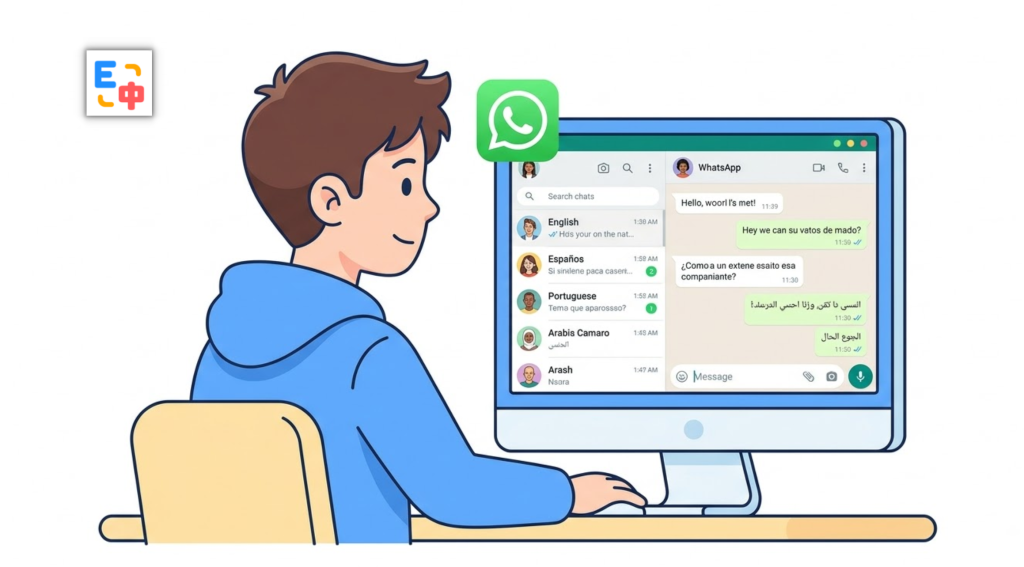
The problem is not always the translation itself. The real problem is the workflow.
You receive a message in another language and have to copy it, open a translation website, paste it, read the result, and then return to WhatsApp. When it is your turn to reply, the process happens again in reverse: write your message in your native language, copy it into a translator, translate it, copy the result, and paste it back into WhatsApp.
Doing this once or twice is manageable. Doing it throughout an active conversation is not.
If you are looking for a free translation extension that can fit more naturally into your everyday browser workflow, SelectTranslate offers features such as bilingual webpage translation, input translation, selection translation, and hover translation. It supports 100+ languages and integrates 20+ AI translation models, making it useful for a wide range of cross-language communication scenarios.
The Biggest Problem with Cross-Language WhatsApp Chats Isn’t Translation — It’s the Workflow
When you communicate with someone in another language on WhatsApp Web, there are usually two major problems.
The first is understanding incoming messages.
Imagine a customer sends you several paragraphs in Spanish explaining a product requirement. You can copy each message into a translation tool, but the more messages you receive, the more disruptive that process becomes.
The second problem is writing your own replies.
You may know exactly what you want to say in your native language, but you may not know how to express it naturally in the other person’s language. For example, you might want to tell a customer:
“I’ll confirm the inventory tomorrow and get back to you.”
With a traditional translation workflow, you write the sentence, copy it, switch to a translation website, paste it, translate it, copy the result, return to WhatsApp, and paste it into the chat box.
For instant messaging, that is a lot of unnecessary friction.
A useful free translation extension should therefore do more than provide a separate translation page. Ideally, translation should become part of the webpage and communication workflow itself.
Use SelectTranslate to Understand WhatsApp Messages
When using WhatsApp Web in a supported browser, SelectTranslate can help you work with foreign-language webpage content through its webpage translation features.
For longer conversations, bilingual webpage translation is particularly useful. SelectTranslate can identify webpage content and display translations beneath the original text, allowing you to read the original and translated versions together instead of constantly switching between pages.
This can be useful when a customer, colleague, or friend sends multiple messages in a language you do not speak fluently.
Instead of treating every message as a separate translation task, you can keep the conversation open and use webpage translation or on-demand tools such as selection translation and hover translation when needed.
If you only need to understand a specific sentence or phrase, selection translation can be a more lightweight option. You can select the text and trigger a translation without translating everything on the page.
This workflow is especially useful for international business, cross-border e-commerce, customer support, travel, and everyday conversations with people from different countries.
Use SelectTranslate Input Translation to Reply Without Copying and Pasting
Understanding incoming messages is only half of the problem. Writing replies in another language can be even more frustrating.
Suppose you want to send this message to an overseas customer:
“I’m in a meeting right now and just saw your message. I’ll get back to you in more detail later.”
The traditional workflow looks like this:
Write in your native language → copy → open a translator → paste → translate → copy the translated text → return to WhatsApp → paste → send.
SelectTranslate takes a different approach with Input Translation.
Input Translation is designed to translate text directly inside webpage input fields. Instead of repeatedly copying text between WhatsApp and another translation website, you can type your message in the language you are most comfortable with and translate it within the webpage input workflow. SelectTranslate specifically describes Input Translation as a way to translate webpage input fields with one click and reduce the copying, switching, and pasting required by traditional translation tools.
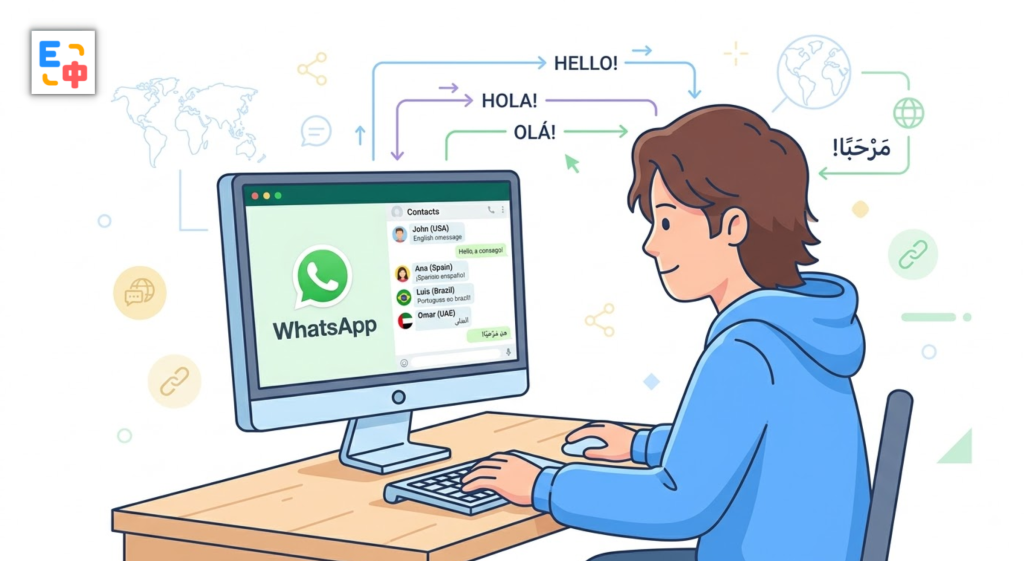
For international users, this means you do not necessarily have to compose every message directly in a foreign language. You can first express your thoughts naturally in your native language and then convert them into the language your recipient understands.
That is particularly valuable when you are having a fast-moving conversation.
Why Input Translation Works So Well for Cross-Language Messaging
Real-time messaging is different from reading an article or translating a document.
When chatting with someone, speed matters. You may need to respond to several messages in a row, answer customer questions, negotiate details, or coordinate a meeting.
If every sentence requires a trip to a separate translation website, the conversation becomes fragmented.
Input Translation brings translation closer to the way people already type.
For example, you could type:
“This product is currently in stock, and I can arrange shipment today.”
Then use Input Translation to convert the message into the recipient’s language before sending it.
The important point is that you can formulate the idea in the language you are most comfortable using first. You do not have to stop the conversation every time you need help expressing something in another language.
According to SelectTranslate, Input Translation is designed for online input scenarios including chat, email, search, and other webpage text fields.
Common WhatsApp Use Cases for International Users
For international business and cross-border e-commerce, WhatsApp is often used to communicate with customers and suppliers around the world. A customer might ask about pricing in English, send shipping details in Spanish, or discuss product specifications in another language. SelectTranslate can help you understand incoming content and compose replies without repeatedly moving between WhatsApp and a separate translation page.
For international social communication, you may regularly chat with people from different countries. Instead of avoiding conversations because you do not share a native language, you can use webpage translation and selection translation when reading, then use Input Translation when replying.
For professional communication, conversations may contain product names, technical terms, company terminology, or industry-specific language. SelectTranslate also provides Termbases for managing standardized translations of specialized terms, helping maintain terminology consistency across different translation scenarios.
SelectTranslate also integrates more than 20 translation models, including DeepSeek, OpenAI, Gemini, Claude, Qwen, and GLM, and supports 100+ languages.
Why Use SelectTranslate as a Free Translation Extension for WhatsApp?
If you only translate a sentence occasionally, a conventional online translator may be enough.
But if you communicate across languages every day through WhatsApp, Discord, Reddit, X, Gmail, and other websites, the bigger issue becomes efficiency.
That is where SelectTranslate can be useful as a free translation extension.
Rather than providing only a standalone translation box, it combines multiple browser-based translation features, including bilingual webpage translation, Input Translation, Selection Translation, and Hover Translation. Its Input Translation feature is specifically designed to work with webpage input fields and reduce the need to copy, switch tabs, and paste.
For WhatsApp Web, you can combine these features according to what you are doing:
When reading a long foreign-language conversation, use bilingual webpage translation.
When you only need to understand a specific message, use Selection Translation or Hover Translation.
When you need to reply in another language, use Input Translation.
When your conversation contains specialized terminology, use a Termbase to keep important terms consistent.
The goal is simple: make translation part of the communication workflow instead of forcing you to leave the conversation every time you need language assistance.
How to Get Started with SelectTranslate for WhatsApp
First, install SelectTranslate in a supported browser. Official installation options are available for Chrome, Edge, and Firefox, while Chromium-based browsers can also use the CRX installation package when appropriate.
After installation, pin the extension to your browser toolbar and open WhatsApp Web.
If your main goal is to understand incoming foreign-language messages, start with bilingual webpage translation or use Selection Translation and Hover Translation for individual pieces of content.
If your main goal is to reply to international contacts, enable Input Translation and use it when composing messages.
This creates a simple two-way workflow:
Read in your own language → understand the other person → write in your own language → translate into their language → send.
You can continue communicating from the language you are most comfortable with instead of constantly switching between WhatsApp and a separate translation service.
Keep in mind that browser extensions depend on the webpage structure and browser environment. If a particular page element cannot be translated normally, SelectTranslate recommends using Hover Translation or Selection Translation as alternatives in situations where standard webpage translation is unavailable.
Turn WhatsApp Into a More Comfortable Cross-Language Communication Space
The biggest obstacle in cross-language messaging is often not the inability to translate a sentence. It is the repeated interruption caused by the translation process.
You copy a message.
You switch tabs.
You paste it.
You translate it.
You copy the result.
Then you return to the conversation.
When this happens dozens of times a day, translation becomes part of the problem.
If you are looking for a free translation extension for browser-based communication, SelectTranslate brings bilingual webpage translation, Input Translation, Selection Translation, and Hover Translation into one browser-based translation workflow. It is designed to help users read global content and communicate across languages while staying closer to their existing workflow.
For international users chatting with customers, colleagues, friends, or business partners on WhatsApp Web, the goal is not simply to “translate more.” It is to make cross-language communication feel more natural.
You should be able to think in your native language, understand what the other person is saying, and respond without letting the translation process interrupt the conversation.
FAQ: WhatsApp Chat Translation with SelectTranslate
1. Can SelectTranslate translate WhatsApp chats?
SelectTranslate is a browser translation extension with bilingual webpage translation, Selection Translation, Hover Translation, and Input Translation. These features can be used in supported webpage scenarios such as WhatsApp Web, depending on the page structure and browser environment.
2. Can I translate what I type in a WhatsApp chat without copying and pasting?
SelectTranslate provides Input Translation, which is designed to translate content directly inside webpage input fields and reduce the need to copy, switch to another translation page, and paste the result back.
3. Is SelectTranslate a free translation extension?
Yes. SelectTranslate provides free access to its core translation features, including bilingual webpage translation and other translation functions. Some advanced translation models or membership features may have separate usage requirements.
4. How many languages does SelectTranslate support?
SelectTranslate supports 100+ languages and integrates 20+ translation models, including models from DeepSeek, OpenAI, Gemini, Claude, Qwen, and GLM.
5. Can I use Input Translation on websites other than WhatsApp?
Yes. SelectTranslate describes Input Translation as supporting a broad range of webpage input scenarios, including online chat, email, Google search, Reddit, X, Discord, GitHub, and other websites.