
For software developers, engineers, and AI practitioners, reading technical documentation in English is simply part of the job.
Whether you are working through a GitHub project, studying API documentation, reading an SDK guide, exploring an AI research paper, or downloading a technical whitepaper, some of the most valuable developer resources are published as PDFs.
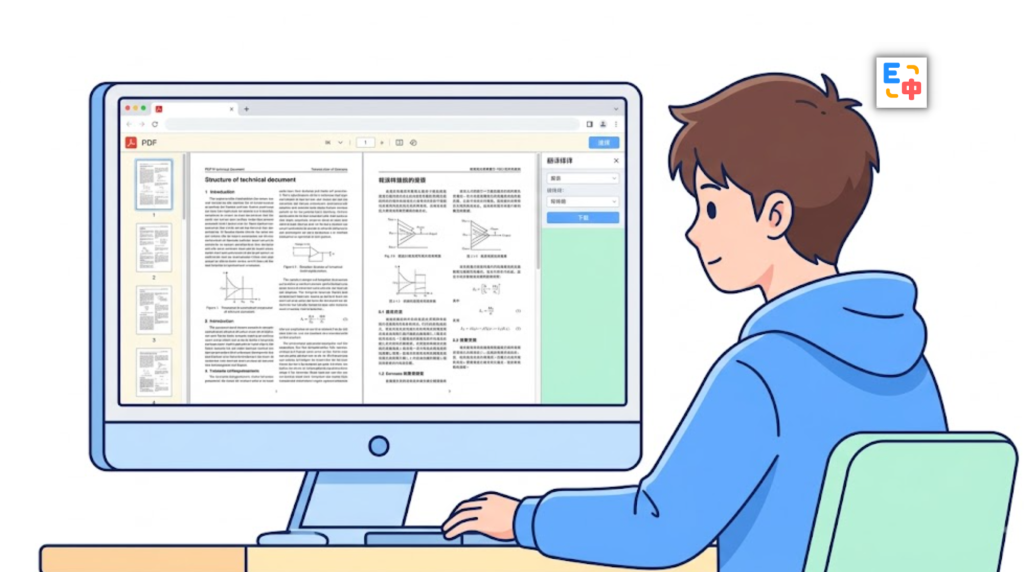
But translating a technical PDF is not always as simple as translating the words.
Developers often have to deal with broken layouts, scrambled multi-column text, unreadable tables, missing formulas, and scanned PDFs that cannot be copied or searched. A translation may be linguistically correct while the resulting document is still difficult to read.
This is where SelectTranslate’s PDF Plus comes in.
SelectTranslate is a free translation extension designed for a wide range of everyday translation needs, including web pages, selected text, videos, and documents. With PDF Plus, developers can translate complex technical PDFs while preserving their structure and making the translated document much easier to read.
For developers looking for a practical translation tool for developers, SelectTranslate goes beyond simple text translation and focuses on the real challenges of working with technical documents.
Why Is Translating Technical Documentation So Difficult?
Technical PDFs are fundamentally different from ordinary documents.
A developer guide might contain paragraphs, code snippets, API parameters, tables, screenshots, diagrams, and multiple columns on the same page. A research paper may combine mathematical formulas with dense two-column layouts. An older software manual might only be available as a scanned PDF.
Traditional PDF translation workflows often struggle with these formats.
If you copy the text into a translation tool, the original structure can easily be lost. Tables may become plain text, paragraphs may appear in the wrong order, and content from different columns can become mixed together.
For scanned PDFs, the problem starts even earlier: there may be no selectable text at all.
Developers then have to run OCR separately, clean up the extracted text, translate it, and manually reconstruct the document.
That is a lot of unnecessary work just to understand a technical document.
A useful free translation extension for developers therefore needs to do more than translate individual sentences. It needs to handle the structure and complexity of real-world technical documents.
SelectTranslate PDF Plus: Built for Complex Technical PDFs
SelectTranslate PDF Plus is a document translation feature designed to handle complex PDF files, making it particularly useful for developers who regularly work with technical documentation.
Instead of treating a PDF as nothing more than a collection of text blocks, PDF Plus is designed to recognize different elements within a document and preserve its structure throughout the translation workflow.
SelectTranslate integrates MinerU OCR capabilities to help process scanned PDFs and supports the recognition of complex layouts, tables, and mathematical formulas.
This makes it easier to translate materials such as:
- API documentation and developer guides
- Software and framework manuals
- AI and machine learning papers
- Technical whitepapers
- Open-source project documentation
- Engineering specifications
- Scanned technical documents
The goal is straightforward: translate the technical content without turning the original document into an unreadable mess.

Multi-Column PDFs Without Scrambled Reading Order
Two-column and multi-column layouts are extremely common in technical papers, research publications, and developer documentation.
A conventional text extraction process may read the page from left to right instead of following the intended reading order. As a result, sentences from different columns can become mixed together.
For technical content, this is more than a formatting problem. It can change the relationship between explanations, examples, and technical concepts.
SelectTranslate PDF Plus is designed to recognize complex document layouts and handle multi-column content more intelligently, helping preserve a more natural reading order after translation.
For developers who regularly read technical papers, AI research, engineering documentation, and software manuals, this can make a significant difference.
Instead of spending time reconstructing a broken document, you can focus on understanding the technology itself.
Tables, Formulas, and Scanned PDFs: The Hard Parts of Technical Translation
Technical documentation often contains much more than plain paragraphs.
A machine learning paper may contain mathematical formulas and experimental tables. An API reference may include parameter tables with dozens of fields. A software manual may contain screenshots with embedded text. An older technical document may exist only as a scanned PDF.
These are exactly the areas where basic PDF translation tools can struggle.
SelectTranslate PDF Plus is designed to handle these common technical-document challenges.
Its OCR capabilities can help extract text from scanned PDFs before translation. Table recognition helps preserve information contained in structured tables, while formula recognition is designed to reduce problems when working with mathematical and technical expressions.
This is especially useful when translating AI papers, software engineering documentation, technical specifications, and other information-dense PDFs.
The result is a workflow that is much closer to how developers actually read technical documentation: preserve the document structure, translate the content, and keep the information readable.
From GitHub Documentation to API References: Where Developers Need PDF Translation
Developers encounter technical PDFs in many different situations.
You might download an official framework manual while evaluating a new technology. You might read a model paper before integrating an AI system. You might need an API reference before connecting a third-party service. Or you might come across an older software specification that is only available as a PDF.
These documents have something in common: they are information-dense, highly technical, and often written for an international developer audience.
That means translation quality is only one part of the problem.
The translated document also needs to remain usable.
This is the problem SelectTranslate aims to solve.
As a practical translation tool for developers, SelectTranslate combines multiple translation capabilities into one workflow. Developers can use bilingual web translation for online documentation, selection translation for unfamiliar technical terms, video subtitle translation for technical courses, and PDF Plus for longer technical documents.
Instead of switching between different translation services for every task, developers can use SelectTranslate across different parts of their technical learning and development workflow.
Why SelectTranslate Works as a Free Translation Extension for Developers
If you only need to translate an occasional sentence, almost any translation tool can get the job done.
But developers who work with international documentation every day usually need something more comprehensive.
SelectTranslate is designed as a free translation extension that covers multiple translation scenarios rather than focusing on a single type of content.
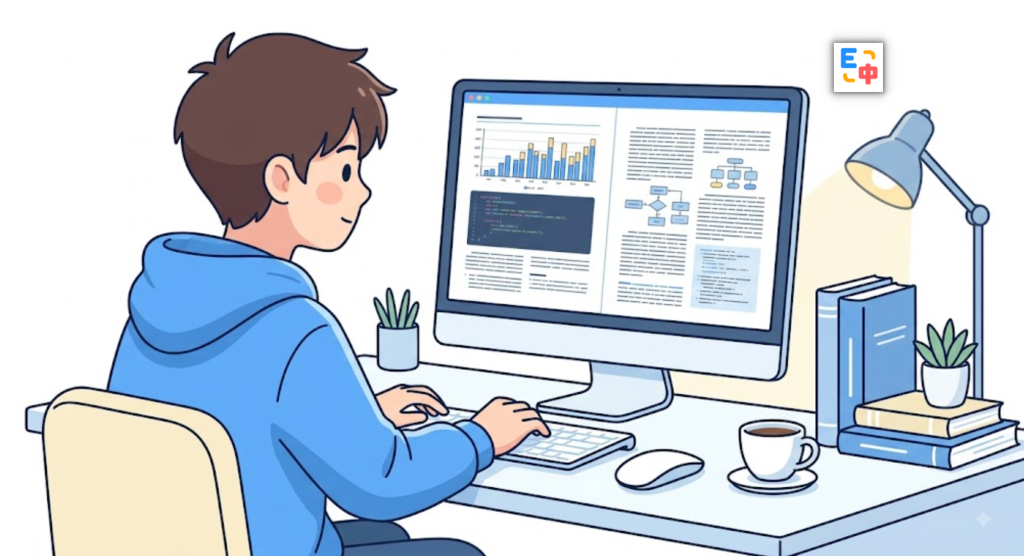
When reading GitHub repositories, developer blogs, or API documentation, you can use web page translation. When you encounter an unfamiliar technical term, selection translation provides a quick way to understand it in context. When watching an overseas programming course, video subtitle translation can make the content easier to follow. And when you need to work through a long technical PDF, PDF Plus provides a dedicated document translation workflow.
This makes SelectTranslate more than a conventional online translator.
It can serve as an everyday translation tool for developers who work across languages and rely on international technical resources.
SelectTranslate: A Free Translation Extension and Translation Tool for Developers
For developers, language barriers are often only one part of the problem.
The bigger challenge is accessing technical information efficiently without losing the context, structure, and details that make that information useful.
That is why SelectTranslate focuses on more than translating individual words.
With PDF Plus, developers can work with complex technical PDFs, including documents containing multi-column layouts, tables, formulas, and scanned pages. Combined with SelectTranslate’s web, selection, input, and video translation features, it provides a broader translation workflow for developers, engineers, researchers, and AI practitioners.
If you are looking for a free translation extension for everyday technical work, or a practical translation tool for developers that can handle English technical documentation and complex PDF files, SelectTranslate is worth exploring.
The goal of a good translation tool should not simply be to turn one language into another.
It should help developers understand technical information faster and spend less time fighting with broken formatting.
With SelectTranslate PDF Plus, translating technical PDFs becomes a more practical part of your development workflow—so you can spend less time fixing document layouts and more time learning, building, and shipping.
FAQ: SelectTranslate PDF Plus for Developers
Q1: Can SelectTranslate PDF Plus translate technical documentation?
Yes. PDF Plus is designed for technical PDFs such as developer guides, API documentation, software manuals, technical whitepapers, and research papers.
Q2: Can SelectTranslate translate scanned PDFs?
Yes. PDF Plus integrates OCR capabilities to recognize text in scanned PDF documents before translation.
Q3: Can PDF Plus handle multi-column technical documents?
Yes. PDF Plus is designed to recognize complex PDF layouts, including two-column and multi-column documents, helping maintain a more natural reading order.
Q4: Is SelectTranslate useful for software developers?
Yes. SelectTranslate supports multiple developer-oriented translation scenarios, including web pages, technical PDFs, selected text, input content, and video subtitles.
Q5: Is SelectTranslate a free translation extension?
SelectTranslate provides free translation capabilities and can be used as a free translation extension for everyday reading, learning, and working with international technical content.