
For gamers around the world, Steam is one of the largest platforms for discovering and playing games.
With millions of games, indie titles, and global gaming communities, Steam connects players from different countries and cultures. However, one common challenge remains:
How can you easily understand Steam game descriptions, developer updates, and player reviews written in foreign languages?
When discovering a new game, many players encounter situations like:
- Game descriptions are only available in foreign languages;
- Gameplay features and system requirements are difficult to understand;
- Player reviews come from different regions around the world;
- Some indie games do not provide support for your native language.
You may find an amazing game, but language barriers prevent you from fully understanding it.
With the SelectTranslate AI Translation Extension, you can translate Steam client pages, game descriptions, and community content directly, making global gaming content accessible in your native language.
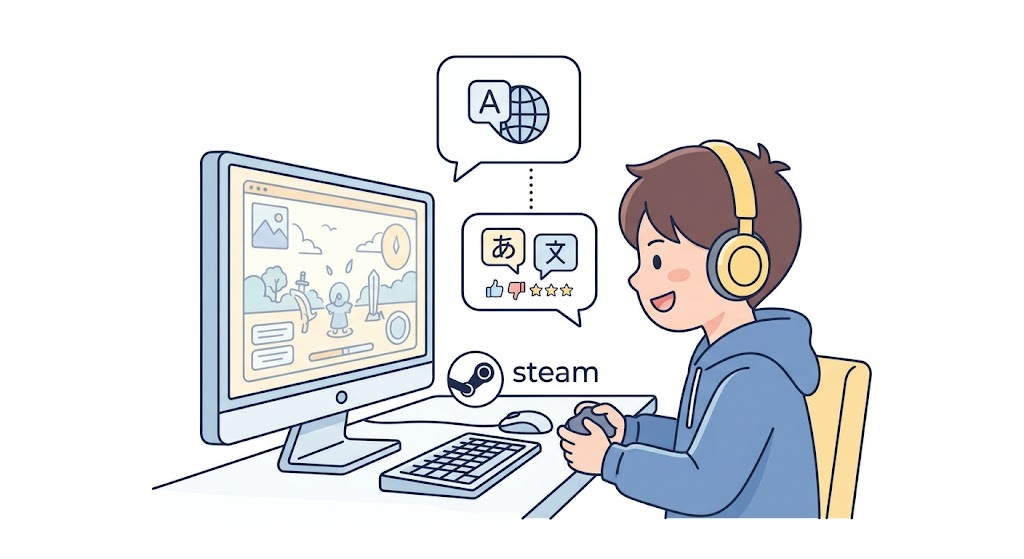
What Is a Steam Translation Extension?
A Steam translation extension is a tool that helps players translate content inside Steam, including:
- Steam store pages;
- Game descriptions;
- Player reviews;
- Community discussions;
- Developer updates.
Without a translation tool, players usually need to:
- Copy text from Steam;
- Open a translation website;
- Paste the content;
- Switch back and forth between different windows.
This process interrupts the gaming experience.
SelectTranslate is an AI-powered translation extension that allows you to translate Steam content directly inside the Steam client experience.
No need to leave Steam. No need to manually copy and paste.
Simply open a Steam page and translate the content instantly.
How to Use SelectTranslate for Steam Client Translation
Installing SelectTranslate for Steam takes only a few simple steps.
Step 1: Download the SelectTranslate Extension
Visit the SelectTranslate official website:
https://selecttranslate.com/zhHans/extensions/crx
Download the extension package and extract the .crx file.
Step 2: Open a Steam Client Page
Open the Steam client.
Choose any game:
- Right-click on the game card;
- Select “Open link in new tab”;
- Open the Steam page in a new window.
Step 3: Install the Chrome Extension
Enter the following address in the browser address bar:
chrome://extensions
Open the Chrome extension management page.
Then:
- Enable Developer Mode;
- Drag the extracted SelectTranslate
.crxfile into the page; - Complete the installation.
After installation, return to Steam and refresh the page.
When you see the SelectTranslate floating icon, the installation is complete.
Log in to your SelectTranslate account and start translating.
How Can SelectTranslate Improve Your Steam Experience?
1. Translate Steam Store Pages Instantly
Many great indie games are created by developers from around the world.
However, important game information is often written in foreign languages, including:
- Story background;
- Gameplay mechanics;
- Update notes;
- System requirements;
- DLC information.
With SelectTranslate AI webpage translation, you can quickly understand game details and discover more titles without language limitations.
2. Translate Steam Player Reviews with AI
Steam reviews are one of the most valuable resources when deciding whether to buy a game.
However, popular games often have reviews from players across different regions:
- North America;
- Europe;
- Japan;
- Korea;
- Other global gaming communities.
Reading reviews in multiple languages helps you understand:
- Whether a game is worth buying;
- Common issues reported by players;
- Latest update feedback;
- Real player experiences.
With SelectTranslate, you can translate Steam reviews instantly and explore opinions from the global gaming community.
3. Communicate with Global Players Using Input Translation
Reading is only one part of gaming communication.
SelectTranslate also supports Input Translation, helping you communicate with international players.
You can use it to:
- Reply to Steam reviews;
- Join Steam community discussions;
- Communicate with players worldwide.
Instead of relying on unnatural machine-generated sentences, AI translation helps create more natural expressions based on:
- Gaming context;
- Community culture;
- Conversational language.
Make cross-language communication smoother and more natural.
Why Choose SelectTranslate as Your Steam Translation Tool?
SelectTranslate is more than a simple translation extension.
It is an AI-powered translation platform designed for multiple scenarios, including:
✅ Bilingual webpage translation
✅ Selection Translation
✅ Input Translation
✅ PDF Document Translation
✅ Video Subtitle Translation
✅ Online Meeting Translation
✅ AI-powered translation models
With support for advanced AI models, SelectTranslate provides more accurate and context-aware translations for different situations.
Whether you are:
- A Steam gamer exploring international games;
- A developer reading technical documentation;
- A student researching foreign materials;
- A professional working with global content;
SelectTranslate helps remove language barriers and improves your digital experience.
Limitations of Steam Client Translation
To provide the best experience, there are currently some limitations:
1. Steam Store Video Subtitles Are Not Supported Yet
Due to Steam’s built-in video player limitations, AI subtitle translation is currently unavailable for store page videos.
2. Game Content Translation Is Not Included
SelectTranslate focuses on translating Steam client pages and web-based content.
It does not currently translate:
- In-game dialogue;
- Game interfaces;
- Game subtitles after launching the game.
For in-game localization, dedicated game localization tools are required.
Frequently Asked Questions About Steam Translation
Can Steam pages be translated automatically?
Yes.
With AI translation extensions like SelectTranslate, you can translate Steam store pages, game descriptions, and player reviews into your preferred language.
How can I translate Steam reviews?
Install SelectTranslate, open a Steam review page, and use the translation feature to instantly translate reviews without copying and pasting text.
Is there a free Steam translation extension?
Yes.
SelectTranslate provides free AI translation features that help users translate Steam pages, reviews, and other online content.
What platforms does SelectTranslate support?
Besides Steam translation, SelectTranslate supports:
- Chrome browser translation;
- Webpage translation;
- PDF document translation;
- Video subtitle translation;
- Online meeting translation.
Make Steam a Truly Global Gaming Platform
The best part of gaming is connecting players across countries and cultures.
Language should never limit your ability to discover great games.
With the SelectTranslate AI Translation Extension, you can:
🎮 Discover more international games
💬 Read authentic player reviews worldwide
🌍 Join global gaming communities
Turn Steam into a truly global gaming experience with AI-powered translation.
If you discover any translation issues while using Steam, feel free to share your feedback with the SelectTranslate team. We will continue improving the experience and helping more players explore global gaming content without language barriers.