

Webpage Translation
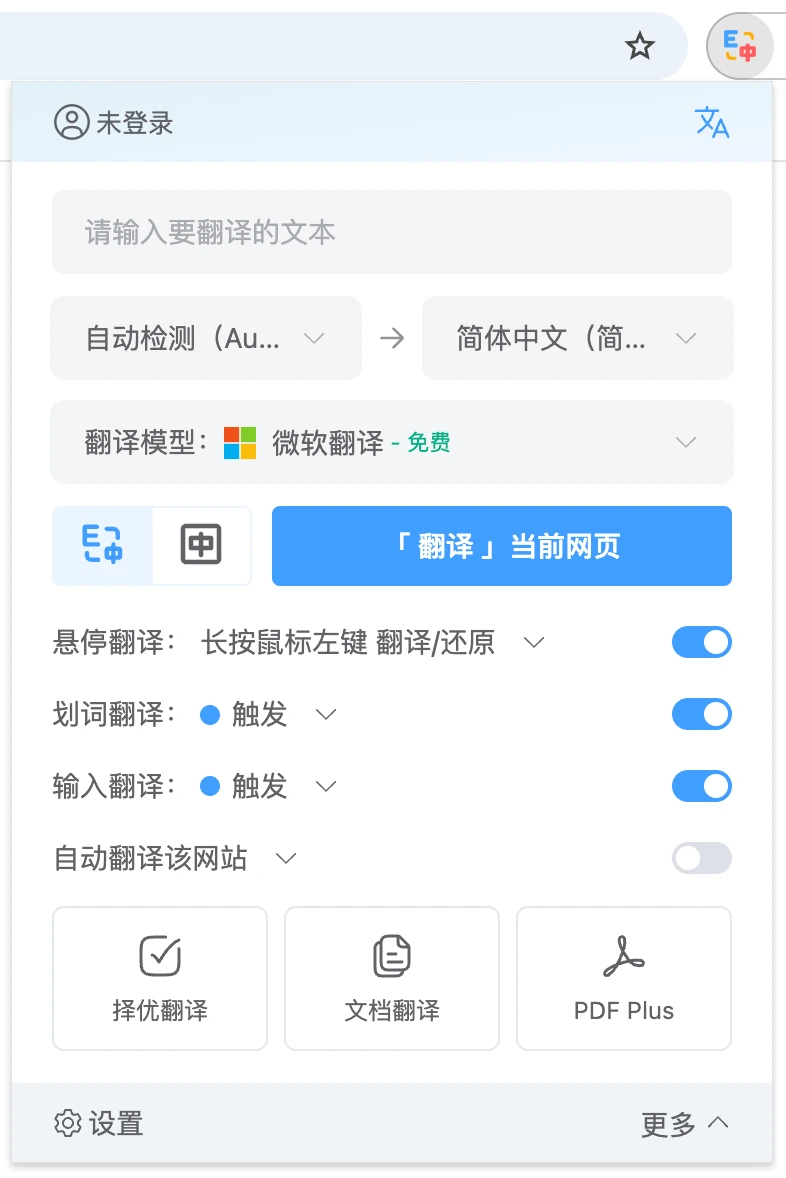
Click the extension icon in the top-right corner of your browser and pin "SelectTranslate" to the extensions bar. Then open the "SelectTranslate" extension panel and click Translate, or use the shortcut key to start translating.
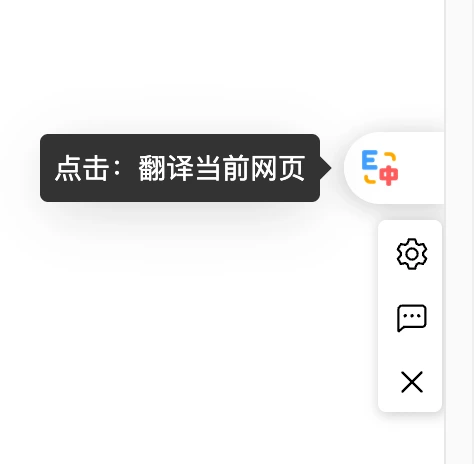
Alternatively, you can translate by clicking the SelectTranslate floating button on the right side of the webpage.
You can also right-click anywhere on the page and select the SelectTranslate icon from the context menu to translate the page or restore the original content.