

Selection Translation
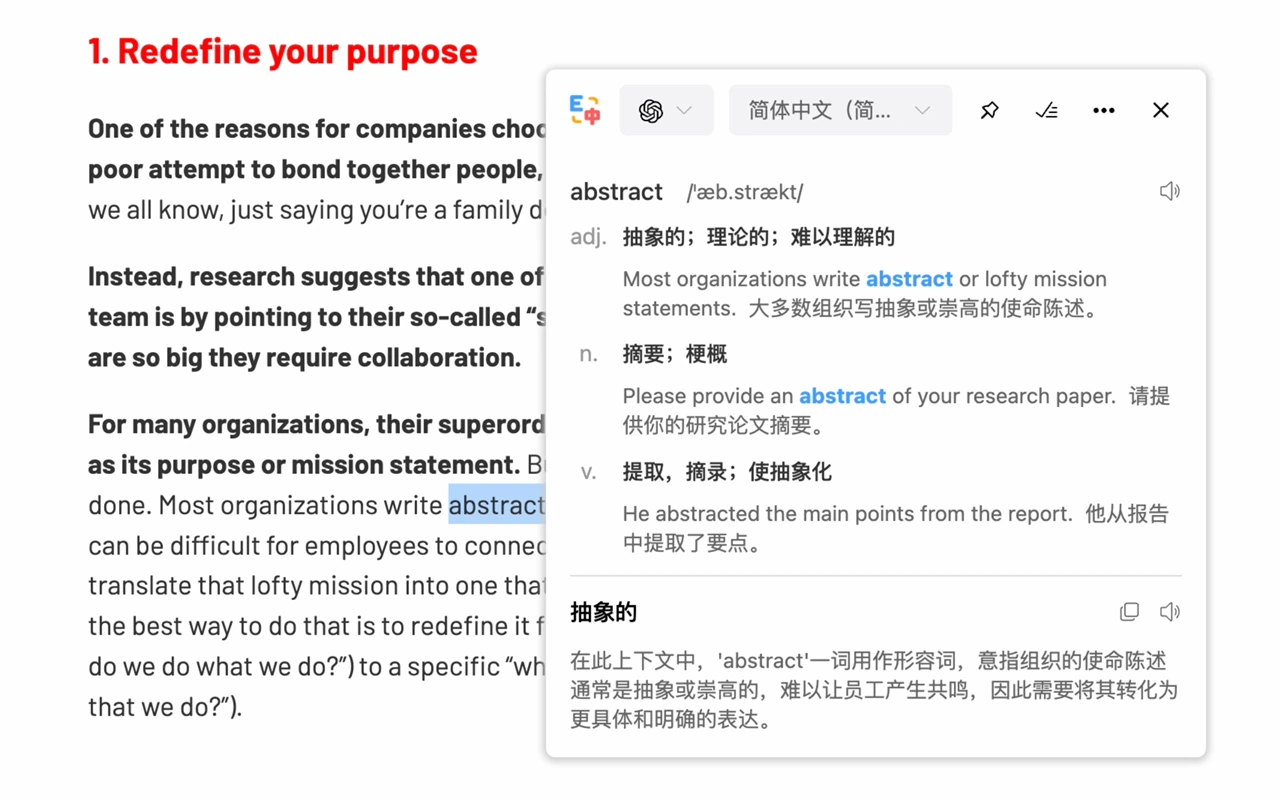
After selecting text, a small blue dot will appear automatically. Hover over the dot to view the original text and translation, or use the shortcut key to trigger Selection Translation. When a single word is selected, the translation model analyzes it and displays pronunciation, example sentences, definitions, and more.
💡 Machine translation models do not support the Selection Translation feature.
🔔 If you encounter any issues or have suggestions, you can submit them on the Feedback page.
🔔 If you encounter any issues or have suggestions, you can submit them on the Feedback page.