Table of Contents
Comic Translation
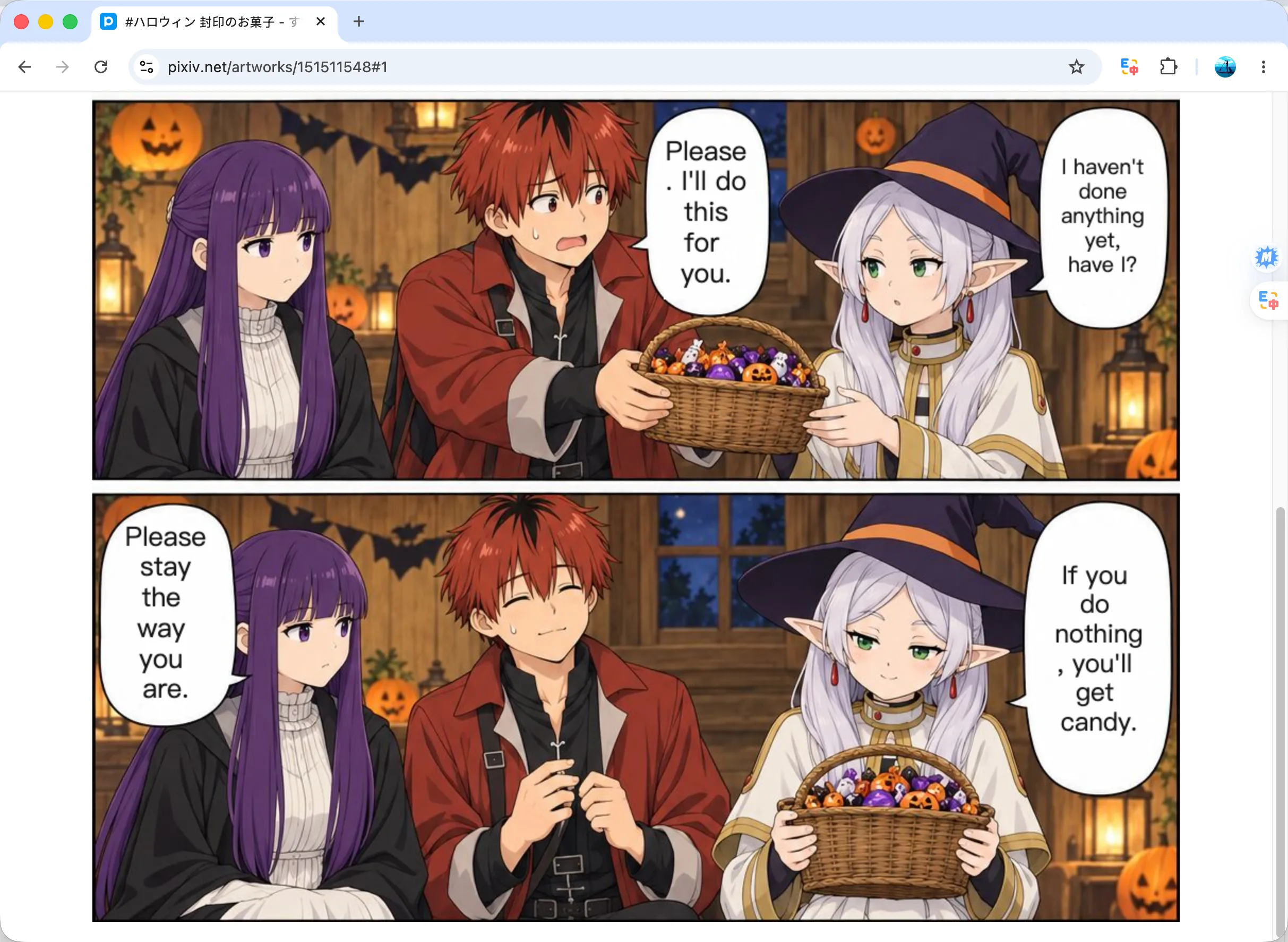
SelectTranslate can translate manga, manhwa, and webtoons on supported websites. Translated text appears directly in the comic images, and translation continues as you scroll.
Turn On Comic Translation
Follow these steps on a supported comic website:
- In the extension, open Settings → Image/Comic Translation, then choose the free or paid translation service and set the target language.
- Open a comic on a supported website and click the comic translation icon that appears on the reading page.
SelectTranslate translates more images as you scroll. Click the comic translation icon again to stop translation and restore the original images.